
Check your setup
Confirm whether Codex or Claude Code is detected on your machine.
npx --yes linmas@0.9.1 detectGive your AI coding agent a security review toolkit. Find risks, understand the impact, and get concrete fixes before your next deploy.
Explore 11 focused security skills →
review this API change before I deployUser input reaches a raw database query.
Illustrative output · not a recorded model run. You review the evidence and make the final call.
HOW IT WORKS
Four clear steps. No security jargon required. Your agent helps with the review; you stay in control of the decision.
Review a named diff, file, endpoint, feature, or deployment plan.
Start with the router when you do not know which security domain applies.
See severity, risk, evidence, concrete remediation, and validation steps.
Apply the remediation, add a regression test, and re-run the review.
THE RIGHT SKILL FOR THE JOB
Start with the domain router when the risk is unclear. Use a specialist when you already know the type of review you need.
Explore all 11 skills →Code, architecture, and cloud changes
Production readiness, monitoring, and incidents
Authorized defensive analysis
Choose the right workflow and document controls
LET’S GET STARTED
New to security? Start with the Secure Code Reviewer first. It is the simplest checkpoint for code created through a vibe coding workflow.
Confirm whether Codex or Claude Code is detected on your machine.
npx --yes linmas@0.9.1 detectStart small with the Secure Code Reviewer instead of installing everything blindly.
Give the agent a named file, diff, endpoint, or feature and ask for remediation plus verification.
Add the Secure Code Reviewer to a detected Codex or Claude Code managed skill directory.
npx --yes linmas@0.9.1 install linmas-secure-code-reviewernpx --yes linmas@0.9.1 detect first and npx --yes linmas@0.9.1 doctor afterward.Verification and troubleshooting.Review the authentication and authorization changes in src/routes/users.js. Report severity, risk, concrete fixes, and how I should verify each fix. Do not modify files yet.
Add the public GitHub marketplace and pin the current release.
codex plugin marketplace add TanKimGwan/linmas --ref v0.9.1
codex plugin add linmas@linmas
codex plugin marketplace list --json
codex plugin list --jsonInspect the review pipeline without provider credentials or network model execution.
git clone --branch v0.9.1 --depth 1 https://github.com/TanKimGwan/linmas.git
cd linmas
npm ci
npm run demo:judgeSecurity may not be your first concern when you are learning to turn prompts into working products. Linmas adds a practical review checkpoint without needing a dedicated security team.
Find your starting point below.
You built a working product with AI and need a clear answer before putting it online.
You move quickly but do not have an AppSec specialist reviewing every change.
You need consistent findings, severity, remediation, and verification across projects.
You want bounded, inspectable workflows that do not overclaim automated authority.
AI makes it easier to build features quickly. It does not automatically add authorization checks, safe database queries, secret handling, or secure deployment configuration.
Linmas checks ownership and authorization boundaries.
IDORLinmas identifies injection risk and shows a parameterized fix.
InjectionLinmas prioritizes secret leakage and sensitive logging before polish.
ExposureLinmas connects each finding to risk, remediation, and verification.
No actionWorking output is not approval. Review the boundary, apply the fix, and verify again.
A Review Capsule is a versioned JSON record that ties one explicit input to the selected skill, normalized finding, policy decision, and the requirement for human review.
Key fields from the v0.9.1 offline fixture. This excerpt omits required fields; use the complete example for validation. No model was called.
{
  "schemaVersion": 1,
  "kind": "linmas-review-capsule",
  "input": {
    "source": "examples/build-week/insecure-query.diff",
    "sha256": "0fec2d0a7edfa70a3edebfbbdf346c3931021b62bfe931014eebb192c068b3f2",
    "bytes": 340
  },
  "execution": {
    "mode": "offline-fixture"
  },
  "review": {
    "specialist": "secure-code-reviewer"
  },
  "policy": {
    "result": { "decision": "blocked" }
  },
  "safetyBoundary": {
    "humanReviewRequired": true
  }
}Installing a skill does not verify how an agent runs it. Native integration, managed installation, and manual reuse have different evidence and limits.
Git marketplace plugin, 11 skills, 7 native MCP tools, offline judge, and provider-backed review.
MCP stdio is verified on Linux with Node.js 24+. Installation and tool discovery in your host still need verification.
Managed installation of 11 skills. Claude API review is a separate integration and does not verify Claude Code runtime behavior.
Skill Markdown is a candidate for manual loading. Linmas execution, MCP registration, and safety enforcement remain unverified.
Reuse Markdown instructions where equivalent support exists. Linmas has no Gemini-specific installer, provider adapter, or MCP registration.
Windows supports installation and offline commands; destructive uninstall and cleanup are unavailable. Native Windows MCP and successful live provider execution are not currently verified.Read compatibility boundaries ↗
Trust should come from readable source code, repeatable validation, clear limitations, and a public contribution path. Not from marketing claims.
Snapshot verified against the Linmas main branch and npm metadata on.
Documentation and branding update: refreshed README, website logo, and version badges. No runtime changes or data migration; existing 0.9.0 installations keep the same functionality.
View release notes ↗The filesystem and validation command are the source of truth for inventory.
Inspect skills ↗Built-in packs are schema-validated and remain advisory, with human review required.
Inspect policies ↗Review the license and trademark boundaries before redistribution.
Read license ↗Report security issues through the project’s documented process.
Read policy ↗Review the dated evidence, reproducibility commands, and known limitations.
Read record ↗linmas / latest notes
Practical notes on defensive security, AI-assisted development, and repeatable review workflows.
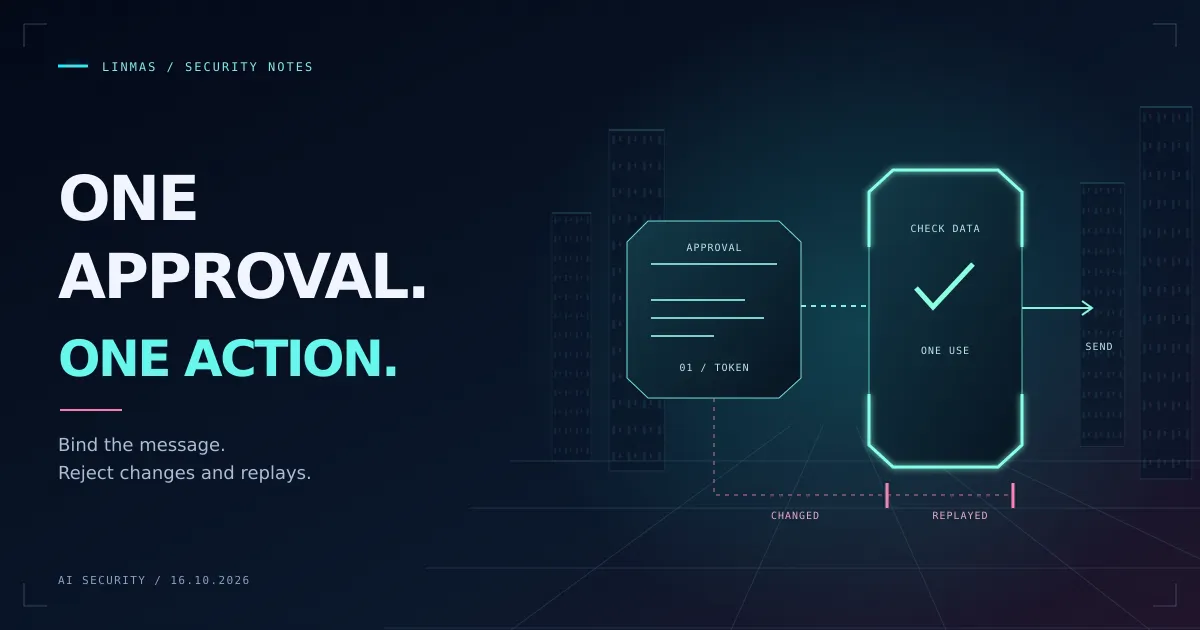
Build a local Node.js approval gate for AI agent actions. Test changed messages, expired approvals, and replay attempts using only built-in modules and fake data.
Read article: Tutorial: Test an AI Agent Approval Gate with Node.js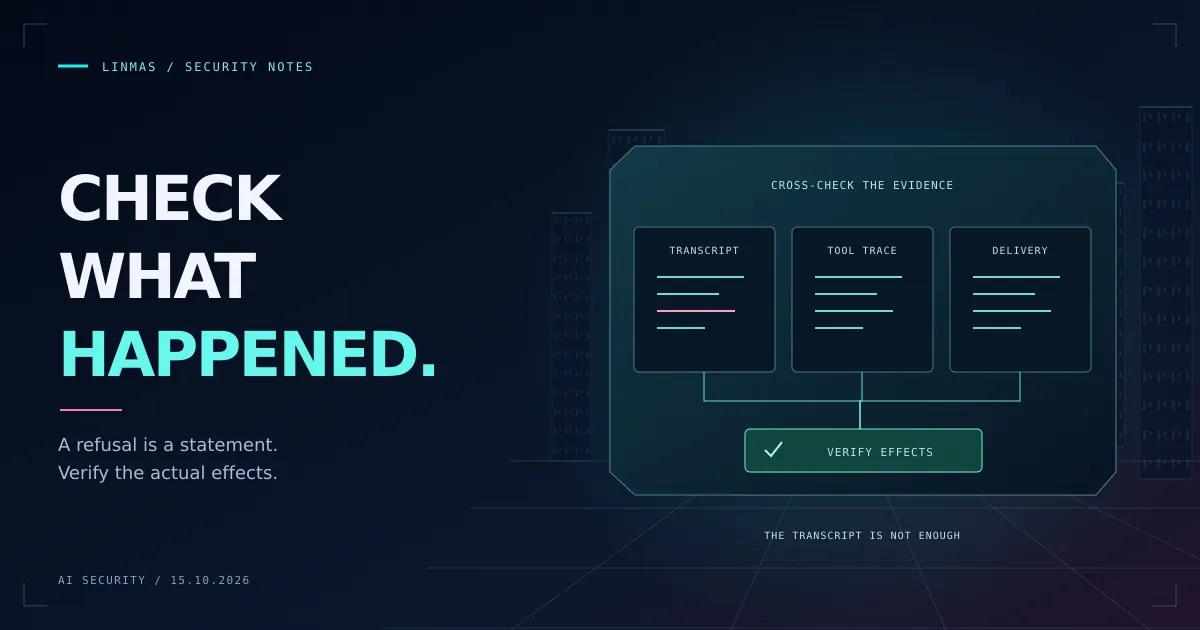
Build an AI agent security test plan around permissions and observable effects. Cover prompt injection, revoked access, retries, and legitimate task success.
Read article: How to Build an AI Agent Security Test Plan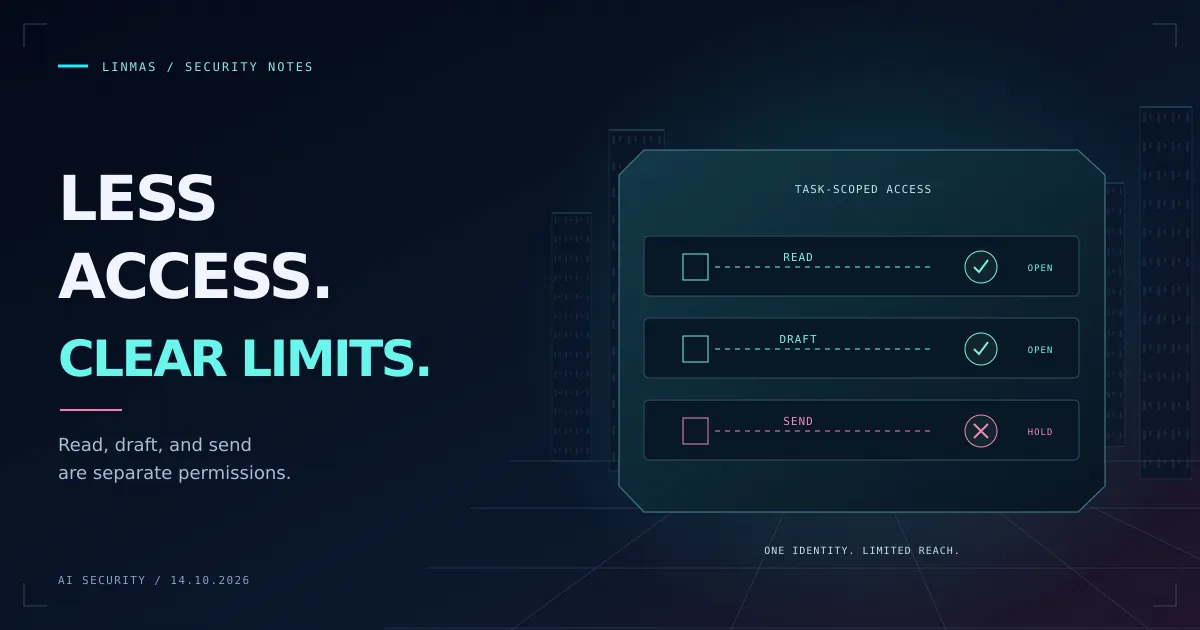
Limit AI agent tools by task, identity, destination, and duration. Use this guide to separate read, draft, and execution permissions and verify the boundaries.
Read article: A Practical Guide to Least Privilege for AI Agent ToolsGOOD TO KNOW
Linmas is designed to lower the entry barrier, not hide its limitations. These answers describe what the project can and cannot do.
No. Start with a concrete file, diff, endpoint, or feature. Linmas should explain the risk, why it matters, the fix, and how to verify it. You still need to read the result and decide whether the evidence is sufficient.
Start with linmas-secure-code-reviewer for code changes. Uselinmas-security-domain-router when you are unsure whether the problem belongs to code, cloud, architecture, incident response, or another security domain.
No. A review can miss context, logic flaws, deployment conditions, or new attack techniques. Linmas provides a first defensive checkpoint and structured evidence; it is not certification or automatic approval.
Offline commands do not call a model. Provider-backed reviews send the selected input after explicit confirmation. A read-only sandbox does not guarantee that the provider can read only that input. Review provider settings and accessible workspace context before sending sensitive code. Writing a proof bundle requires separate confirmation.
No. Linmas is defensive and intended for owned or explicitly authorized systems. Its validation workflows emphasize bounded scope, evidence, remediation priority, and human review.
Do not deploy the affected change yet. Confirm the evidence, apply the recommended remediation, add a regression test where possible, and repeat the review. Escalate to an experienced reviewer when the impact is unclear or affects authentication, authorization, secrets, payment, or sensitive data.
Linmas is designed to improve human security decisions without pretending that an AI response can certify software as secure.
Provide focused, repeatable, inspectable defensive review workflows for authorized software work.
Linmas does not replace accountable reviewers, guarantee complete isolation, or prove that software is secure.
Start with the Secure Code Reviewer. Ask for evidence-linked findings, concrete fixes, and a verification step, without needing to become a security specialist first.