
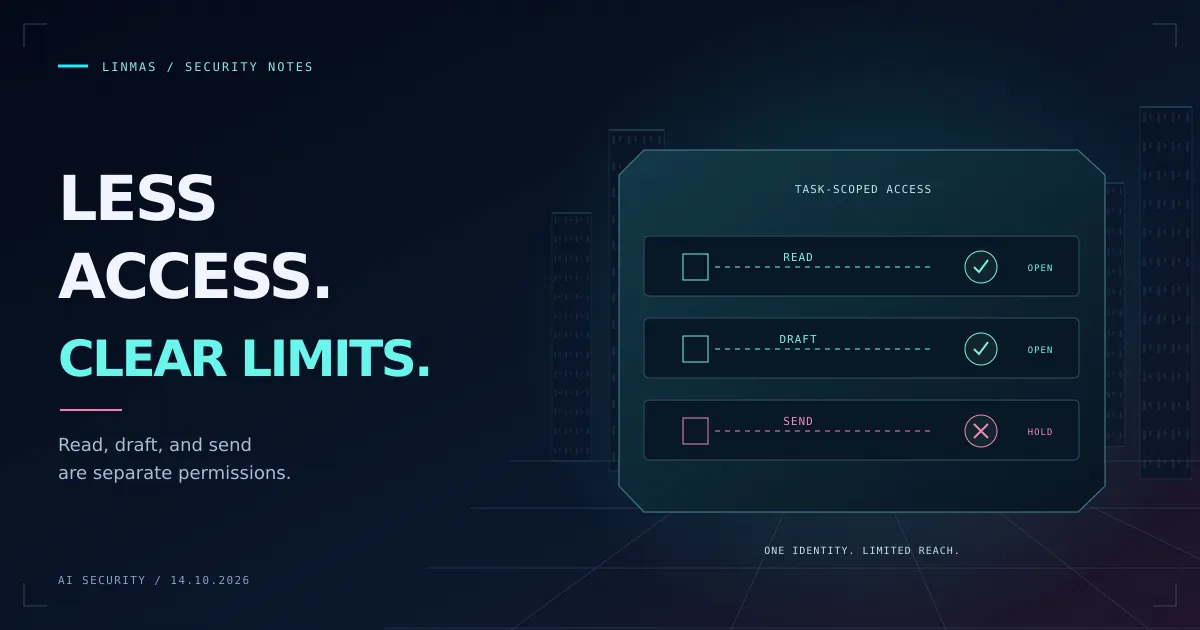
An assistant that summarizes support tickets needs to read tickets. It usually does not need to close accounts, download every attachment, or send mail to arbitrary addresses. Yet a convenient integration can give it all of those abilities through one credential.
Least privilege starts by describing the task precisely enough to remove those unnecessary capabilities. A prompt can explain the limits. The application, service identity, and execution environment must enforce them.
This guide uses a fictional support assistant. Apply the checks only to systems you own or are authorized to test, using synthetic records before production access.
Write the task before choosing the tools
Use a concrete sentence: “Read the assigned customer’s open tickets and prepare a reply for a support employee to review.” Then list what the task does not authorize: accessing another customer’s tickets, changing account status, or delivering the reply.
The distinction is useful when a dependency fails. If the ticket service returns an error, the permitted outcome is a blocked task with an explanation. It is not a search through other tenants or a fallback to an employee’s broader account.
Keep the task owner, data scope, allowed actions, and stopping conditions in the same review record. Someone should be able to check whether a proposed tool call fits without interpreting the entire conversation.
Split capabilities at the execution boundary
A tool named manage_customer may hide too many actions. Separate operations according to their effects, even if they use the same underlying service.
| Capability | Allowed for this task | Required check |
|---|---|---|
| Read tickets | Assigned customer, open tickets | Server verifies tenant and customer scope |
| Prepare reply | Create a draft in the current workspace | No delivery credential available |
| Send reply | Only after an authorized employee approves | Check final content, recipient, and approval |
| Change account | No | Operation is unavailable to this identity |
Hiding a button or omitting a tool from a prompt is not sufficient if the agent can still call the underlying operation through a general HTTP client or shell. Review every available path to the same capability.
If the upstream service only offers a broad credential, keep it in a trusted broker that exposes the narrow operations. The broker must authenticate the caller and enforce scope; merely forwarding the model’s request recreates the original problem.
Derive identity and scope from trusted state
Do not let a model-provided tenantId decide which records are visible. Derive the tenant and task assignment from the authenticated session or a verified job record, then constrain the query to that scope. Treat object IDs in a tool call as untrusted input.
Use a dedicated service identity instead of a developer’s account. Restrict its permissions and credential lifetime to the workload. Store credentials outside model-visible context and redact them from tool output and logs.
Short lifetime alone is not revocation. A queued action may still hold an unexpired credential after a task is cancelled. Check the current task status and authorization when the action executes, not only when the plan is created.
Bound files and network destinations too
For a coding agent, use a disposable workspace with only the needed repository and fixtures. Avoid mounting a developer’s whole home directory or production credential stores. Make source files read-only when the task is inspection rather than editing.
For a networked agent, allow the services needed for the task and deny other destinations at an enforceable boundary. Check redirects and resolved destinations as part of the network control. Comparing a URL string with an approved hostname does not, by itself, prevent access to private network addresses or an unexpected redirect target.
An isolated process with unrestricted outbound internet is still able to send information away. File permissions and network policy answer different questions; both need to fit the task.
Give approval a specific object
“Allow the agent to continue” is too broad for an irreversible action. Approval should identify the operation, recipient or target, exact payload, task, authorized approver, and expiry. A changed message or destination requires a new decision.
Consume approval atomically with the operation’s state transition so simultaneous workers cannot both reuse it. For remote delivery, use the provider’s supported idempotency mechanism and record uncertain outcomes for reconciliation. Retrying after a timeout without checking the prior result can duplicate a real action.
The earlier guide to agent privacy explains why permission to read data does not settle where that data may go. Approval is one way to enforce that distinction for an outbound action.
Verify the smallest useful workflow
Run the permitted task first. The assistant should retrieve the assigned customer’s tickets and create a draft. Then test another customer ID, a send attempt without approval, an expired approval, and a revoked task. Verify that the protected service records no unauthorized read or delivery.
Keep a short evidence record: configuration under test, acting identity, expected result, actual tool response, and observed side effects. If a denied action succeeds through another available tool, the boundary still needs work.
Start by removing one capability the task never needs. Confirm the legitimate workflow still works, then repeat. This keeps the permission model tied to real work instead of accumulating exceptions around an account that can do everything.
Further reading: OWASP Excessive Agency and Anthropic’s report on unintended actions. Examples and recommendations are Linmas editorial guidance.